
Knowledge Base
Context-Aware Layouts in GPTWeb — How It Works
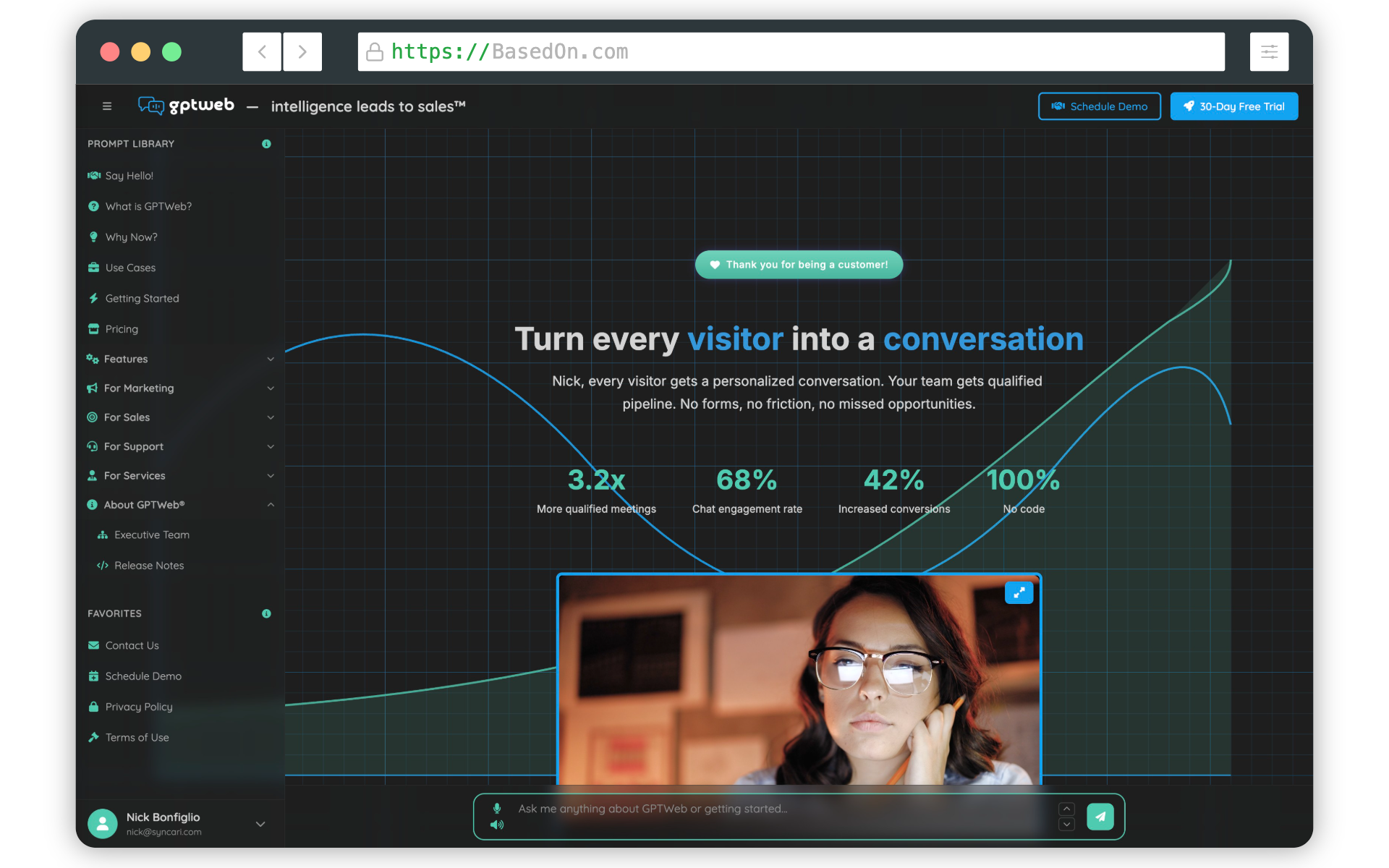
one of GPTWeb's most elegant technical capabilities is its context-aware layout system. Rather than forcing a single design across every deployment scenario, GPTWeb intelligently adapts its interface based on how and where a visitor is accessing your site — delivering the right experience for every context automatically.
The Four Contexts GPTWeb Supports
- **Standard** — Direct browser access to your GPTWeb site. Typically configured with the Full layout, complete sidebar, and full visitor profile for the richest possible experience
- **Iframe Embed** — Your GPTWeb chat embedded via an `<iframe>` tag inside a third-party page or help center. Often configured Minimal to conserve space and fit seamlessly within the host layout
- **Widget Embed** — A floating chat bubble that expands into a chat window on any host site. Typically uses No Sidebar with a compact profile for a clean, unobtrusive popup experience
- **Flyout Panel** — A slide-out chat panel triggered by a search input or button on the host page. Often configured with No Header since the flyout shell provides its own surrounding UI
Context Configuration Options
| Context | Layout Preset Options | Chat Width | Show Profile | Profile Mode | Best For |
|---|---|---|---|---|---|
| Standard | Full, No Header, No Sidebar, Minimal | 50–100% | Yes or No | Compact or Expanded | Direct site visitors, power users |
| Iframe Embed | Full, No Header, No Sidebar, Minimal | Fixed 100% | Yes or No | Compact or Expanded | Help centers, embedded portals |
| Widget Embed | Full, No Header, No Sidebar, Minimal | Fixed 100% | Yes or No | Compact or Expanded | Floating chat on third-party sites |
| Flyout Panel | Full, No Header, No Sidebar, Minimal | 50–100% | Yes or No | Compact or Expanded | Search-triggered slide-out panels |
GPTWeb Context-Aware Layout System
Each context is configured independently in the Admin Panel under Branding → Customize → Layout Presets. You can access the Admin Panel quickly with
Cmd+Ctrl+A on Mac or Ctrl+Alt+A on Windows/Linux. For each context you select a layout preset (Full, No Header, No Sidebar, or Minimal), adjust the chat width slider, and configure floating profile visibility and mode. This means your full desktop site can deliver a rich sidebar experience while your embedded widget stays clean and minimal — all from a single GPTWeb deployment. For organizations like your organization, this means one platform powering multiple touchpoints — your main site, help center embeds, third-party integrations — each optimized for its context while sharing the same Knowledge Base (RAG), visitor memory, AI Scoring, and Agentic Workflows. Explore Embedding & Sidekick to dive deeper into deployment options. GPTWeb — the future of engagement, websites, and marketing automation combined, built for the AI era. Built for now.