
Knowledge Base
Creating a Collection in GPTWeb
Collections are the foundation of GPTWeb's two-phase semantic search — they act as smart routing layers that help the AI find the right content fast. Here's how to create one:
Steps to Create a Collection
- Open the **Admin Panel** (Mac: `Cmd+Ctrl+A` | Windows: `Ctrl+Alt+A`)
- Click the **Collections** tab
- Click **Create New Collection**
- Enter a **Name** (e.g., `Product Documentation`)
- Write a **detailed Description** — this is critical for AI routing accuracy
- Select a **Collection Type** (see table below)
- Click **Create**
Collection Types
| Type | Best For | Example Name |
|---|---|---|
| Documents | PDFs, Word docs, text, markdown files | Product Documentation |
| Videos | MP4 product demos, tutorials, walkthroughs | Product Demos |
| Images | Screenshots, product photos, diagrams | Product Images |
| Chart Data | CSV/Excel for AI-generated visualizations | Pricing Data |
| Flipbooks | PDF or image-based multi-page presentations | Product Brochures |
Pro Tip: The collection description is the most important field. GPTWeb uses it for Phase 1 semantic routing — matching visitor queries to the right bucket before searching documents. A vague description like
"Dev docs" will hurt accuracy. A specific one like "Technical API documentation, integration guides, SDKs, and code examples for developers" routes queries precisely and improves response quality dramatically. Learn more about how the Knowledge Base (RAG) works under the hood.5
Recommended Collections to Start
40%
Collection Routing Threshold
25%
Fallback Threshold
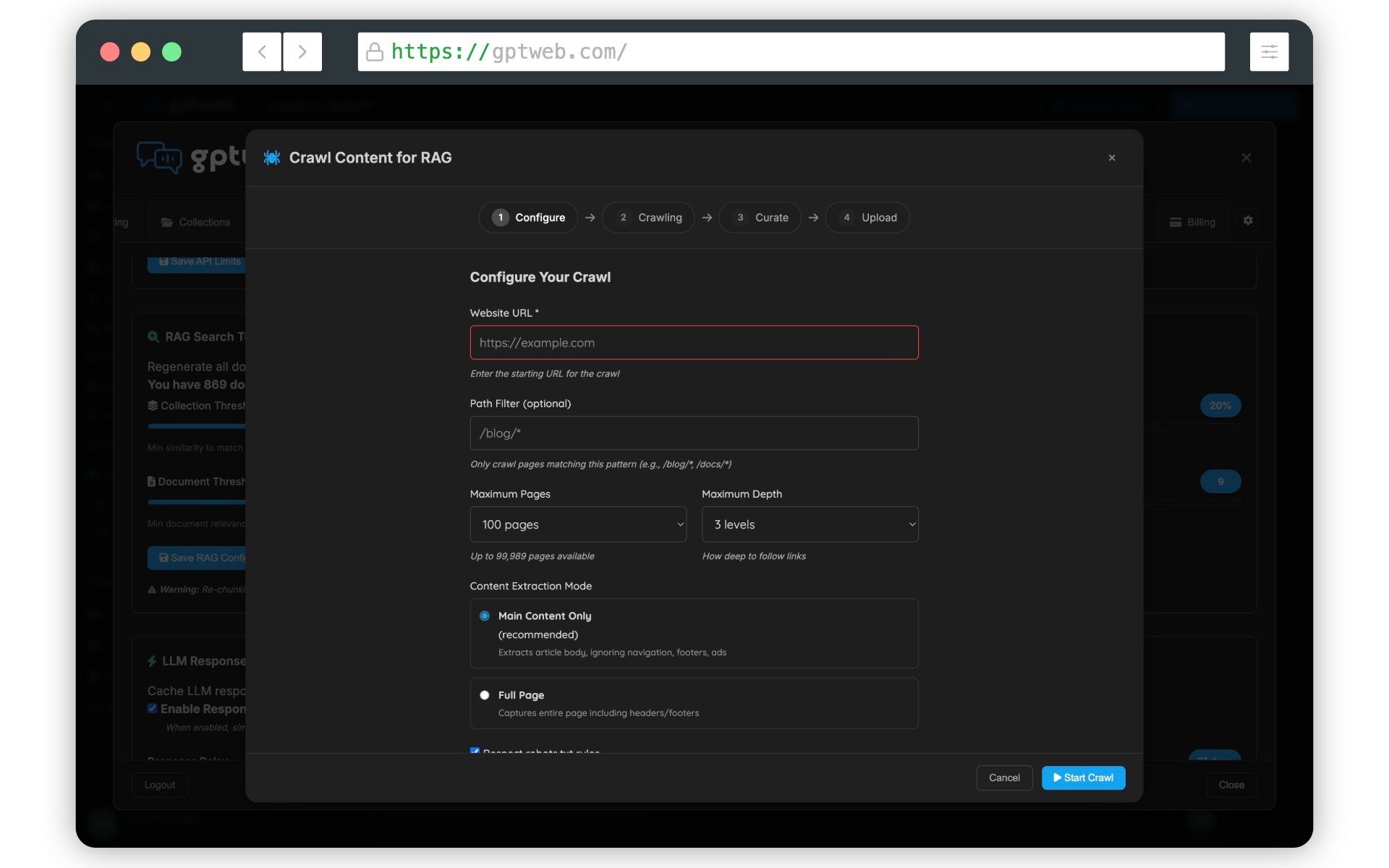
Once your collection is created, head to the Documents tab to start uploading content into it. You can also use the built-in Web Crawler (found under App Configuration → KB Tuning & Crawler) to automatically pull content from your existing website and populate collections quickly. Ready to get the full setup going? Check out Getting Started for the complete walkthrough.
GPTWeb is the future of engagement, websites, and marketing automation combined — built for the AI era, built for now.