gptweb:// action links. No coding required — just drop them into your Hero & Home welcome message using simple markdown format. Here's everything you need to know to Get Started.
Knowledge Base
Creating Links on Your GPTWeb Site!
Great question! GPTWeb makes it super easy to add interactive links and buttons to your site using special
Quick Link Reference
| What You Want to Do | Markdown Link Format |
|---|---|
| Open Contact Form | `[{{action.contact_label}}](gptweb://modal/contact)` |
| Open Demo Booking | `[{{action.demo_label}}](gptweb://modal/demo)` |
| Open Free Signup | `[{{action.trial_label}}](gptweb://modal/trial)` |
| Ask About Pricing | `[View Pricing](gptweb://prompt/What%20are%20your%20pricing%20plans?)` |
| Send a Chat Message | `[Learn More](gptweb://message/Tell%20me%20more)` |
How to Add Links in 3 Steps: 1. Open the Admin Panel (
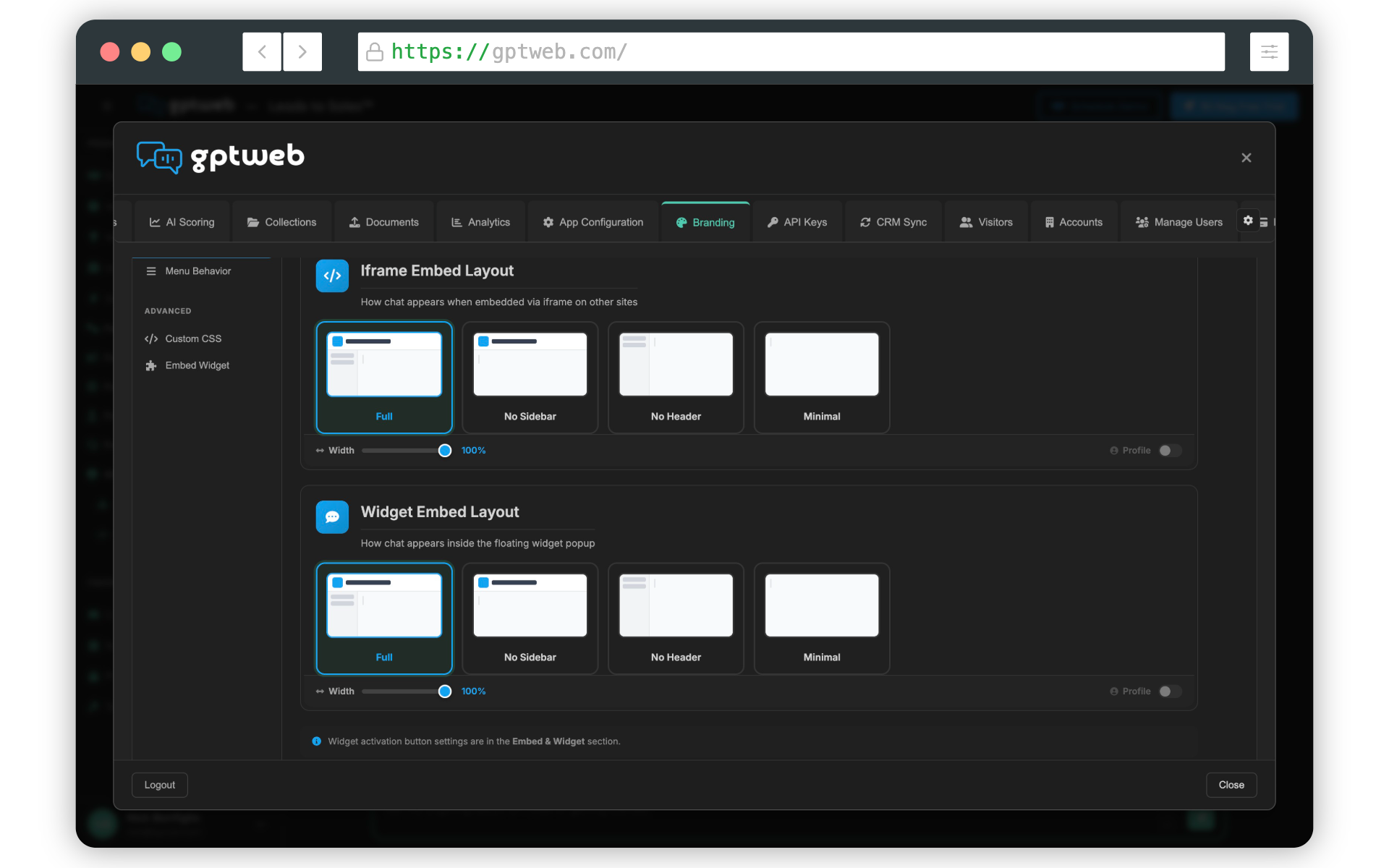
Go to Branding → Home & Hero
Add your links using the markdown format above, then click Save Changes Here's an example welcome message with action links ready to go: ``
Welcome! How can I help you today? - [](gptweb://modal/demo)
Cmd+Ctrl+A on Mac or Ctrl+Alt+A on Windows)markdownWelcome! How can I help you today? - [](gptweb://modal/demo)
- [](gptweb://modal/contact)
- [](gptweb://modal/trial)
- 💰 View Pricing
5+
Link Types Available
3
Embed Methods
Zero
Code Required
< 5 Min
Setup Time
Want to see it live? [](gptweb://modal/trial) and start adding links today, or [](gptweb://modal/demo) for a guided walkthrough. You can also explore Use Cases and Pricing & Plans for more details.
GPTWeb is the future of engagement, websites, and marketing automation combined — built for the AI era, built for now.