
Knowledge Base
Email Provider Setup
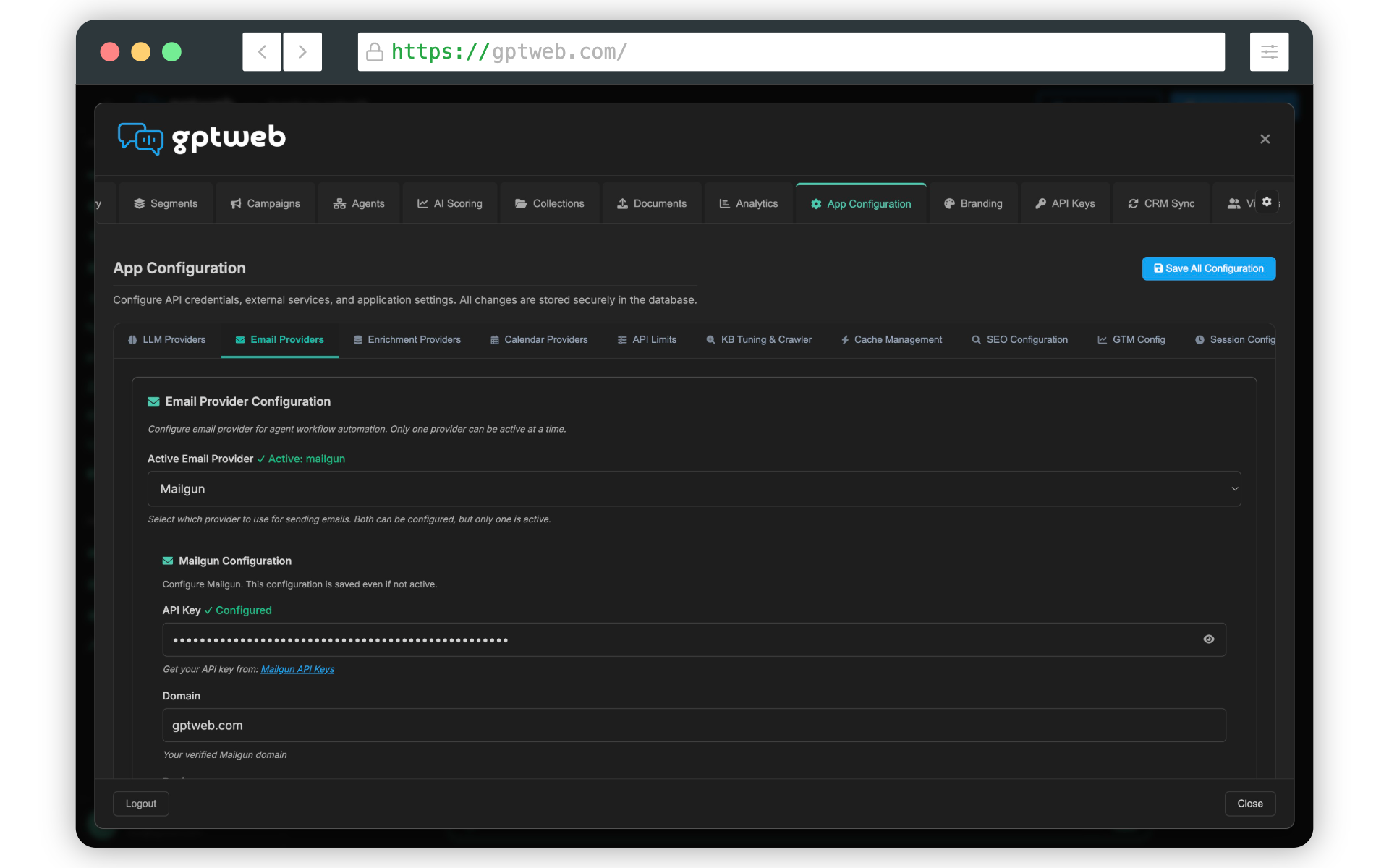
You're on the right track! After opening App Configuration and selecting the Email Providers sub-tab, choose Mailgun (ideal for high-volume transactional sending) or SendGrid (great for marketing plus transactional). Enter your API credentials, set your From Email and From Name, then click Test Connection to verify delivery before saving.
2
BYOK Providers
~10 min
Setup Time
Opens, Clicks, Bounces
Tracking Signals
Agent + Batch + Drip
Email Use Cases
Once your provider is connected, enable delivery tracking and optionally add the Webhook URL to your provider's dashboard for real-time bounce and engagement signals. From there, your team can power agent follow-ups, batch campaigns, and drip sequences across your segments. Want to see it live? [](gptweb://modal/trial) or explore Getting Started for a full walkthrough. GPTWeb is the future of engagement, websites, and marketing automation combined, built for the AI era, built for now.