
Knowledge Base
Finishing Your GPTWeb Site — What's Next?
Great goal! Getting your GPTWeb site across the finish line is straightforward. at your organization, the final steps typically involve making sure your Knowledge Base (RAG) is loaded with your content, your branding is set, and your Agentic Workflows are configured to engage and qualify visitors automatically.
Hours, Not Weeks
Setup Time
Automated via Crawler
Content Import
6 Key Actions
Go-Live Steps
Day 1 Possible
First DQL™
Your Go-Live Checklist
- Upload content to your Knowledge Base — docs, blogs, product pages — via the RAG Crawler (Admin Panel → App Configuration → KB Tuning & Crawler)
- Configure branding — your logo, colors, domain for a full white-label experience
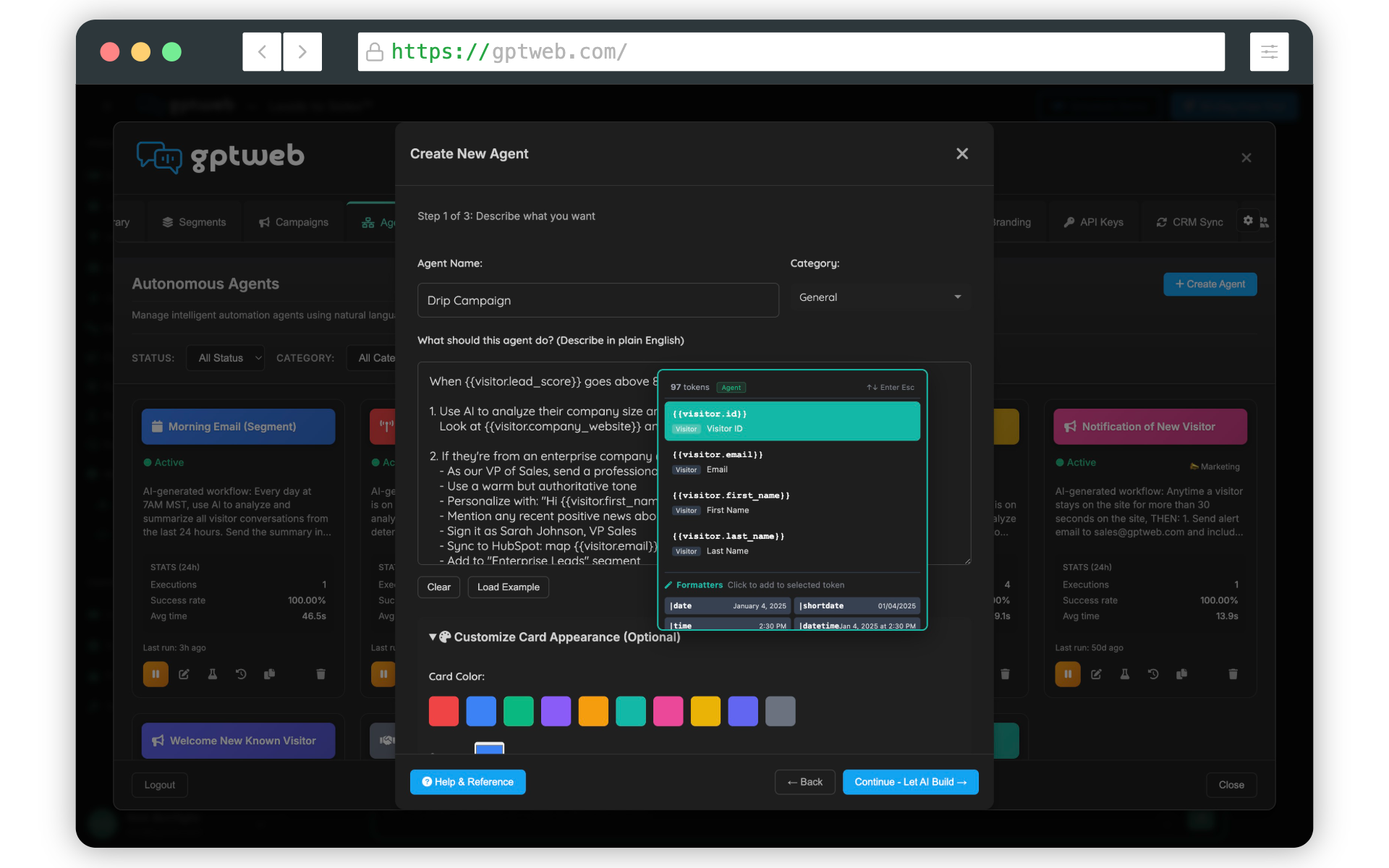
- Set up Agents — define triggers, actions, and email workflows for visitor engagement
- Connect your CRM — sync HubSpot or Salesforce for real-time [CRM Sync](prompt://39e9f899-6ea8-457f-a6cd-34735f4cfef5)
- Embed the widget — add the GPTWeb script to your site or use the [Embedding & Sidekick](prompt://7bcd5ae9-79b6-4563-b15b-f8bf4d6d38bc) option
- Review Live Visitor View — monitor engagement and confirm [DQL™](prompt://e1d32b4b-e418-436f-9b6f-d46d37314742) scoring is active
Need a hand getting to the finish line? Reach out to our team at support@gptweb.com or [](gptweb://modal/demo) for a guided walkthrough. You can also jump right in with a [](gptweb://modal/trial). GPTWeb — the future of engagement, websites, and marketing automation combined. Built for the AI era, built for now.