
Knowledge Base
Let's Reframe That — and Then Fix It
That's a fair gut reaction to push back on, and worth unpacking. GPTWeb is engineered to be the opposite of generic AI output. Every surface you see is configurable, brand-aware, and designed to reflect your organization — not a default template. If the UI feels off, it almost always means the branding hasn't been tuned yet. The good news: that takes minutes, not weeks, and requires zero code. Here's what's under your control right now in Branding > Customize:
Branding Controls Available Out of the Box
| Area | What You Configure | Impact |
|---|---|---|
| Logos & Identity | Light/dark logos, favicon | Replaces all default placeholders with your brand |
| Quick Setup | 6 core colors, background patterns, glass effects | Instant brand alignment across the entire UI |
| Light & Dark Colors | Fine-tune every theme color independently | Pixel-level control over both modes |
| Background Patterns | 31 themes including animated (Aurora Flow, Star Field, etc.) | Over 1M visual combinations, pure CSS, no perf hit |
| Glassmorphism | Header/Sidebar/Footer/Input opacity sliders (0-100%) | Modern frosted-glass depth, fully tunable |
| Custom CSS | Full CSS editor with skin support (Slack, WhatsApp, etc.) | Match any brand system precisely |
| Social Buttons | LinkedIn, X, YouTube placement in sidebar/header/mobile | Brand presence beyond just colors |
1M+
Background Pattern Combos
Light + Dark
Theme Modes
Minutes
Setup Time
Zero
Code Required
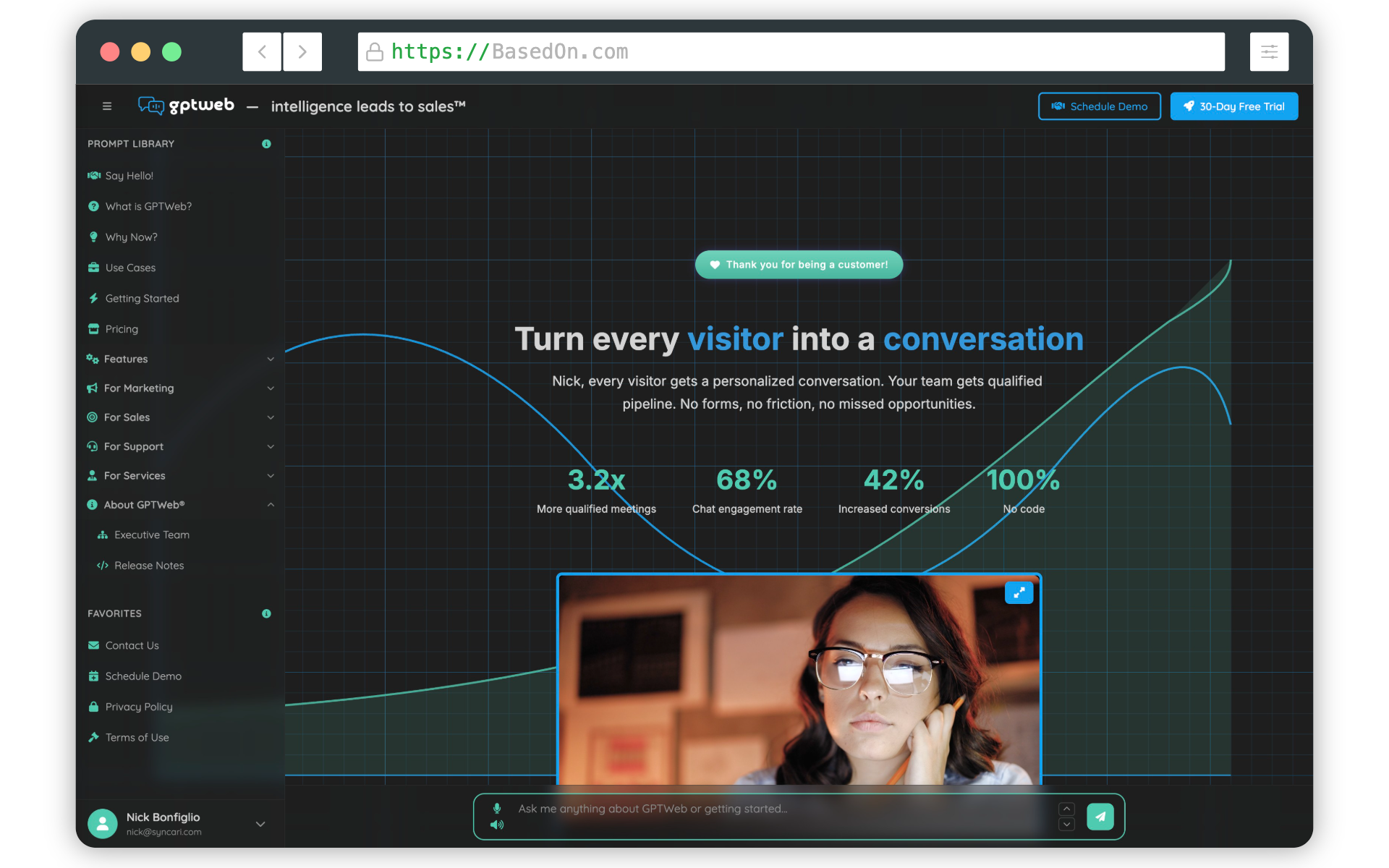
A few practical tips that solve 90% of "this looks generic" reactions: - Run Quick Setup first. Six colors plus a background pattern transforms the entire look in under five minutes.
- Set panel opacity between 40–80% for a balanced glass effect — too high feels flat, too low hurts readability.
- Test both themes. Light and dark often need different intensity levels for the same pattern.
- Drop in a skin via Custom CSS if you want a Slack-style flat layout, WhatsApp-style bubbles, or your own design system entirely. If the concern is something more specific — typography, spacing, a particular component — flag it and we can get precise. And if you ever spot something genuinely broken, you can always send it to support@gptweb.com. GPTWeb is the future of engagement, websites and marketing automation combined that is built for the AI era, built for now.