Navigate to App Configuration → Email Providers and configure either Mailgun or SendGrid with your API key, sending domain, and from address. Step 2: Enable Business Email Enforcement (Optional)
In Branding → Profile Settings, toggle Require Business Email. This cascades automatically to all forms, campaigns, and chat conversations — visitors using Gmail, Yahoo, or disposable addresses will be politely asked to provide their work email instead. Step 3: Create Email Templates
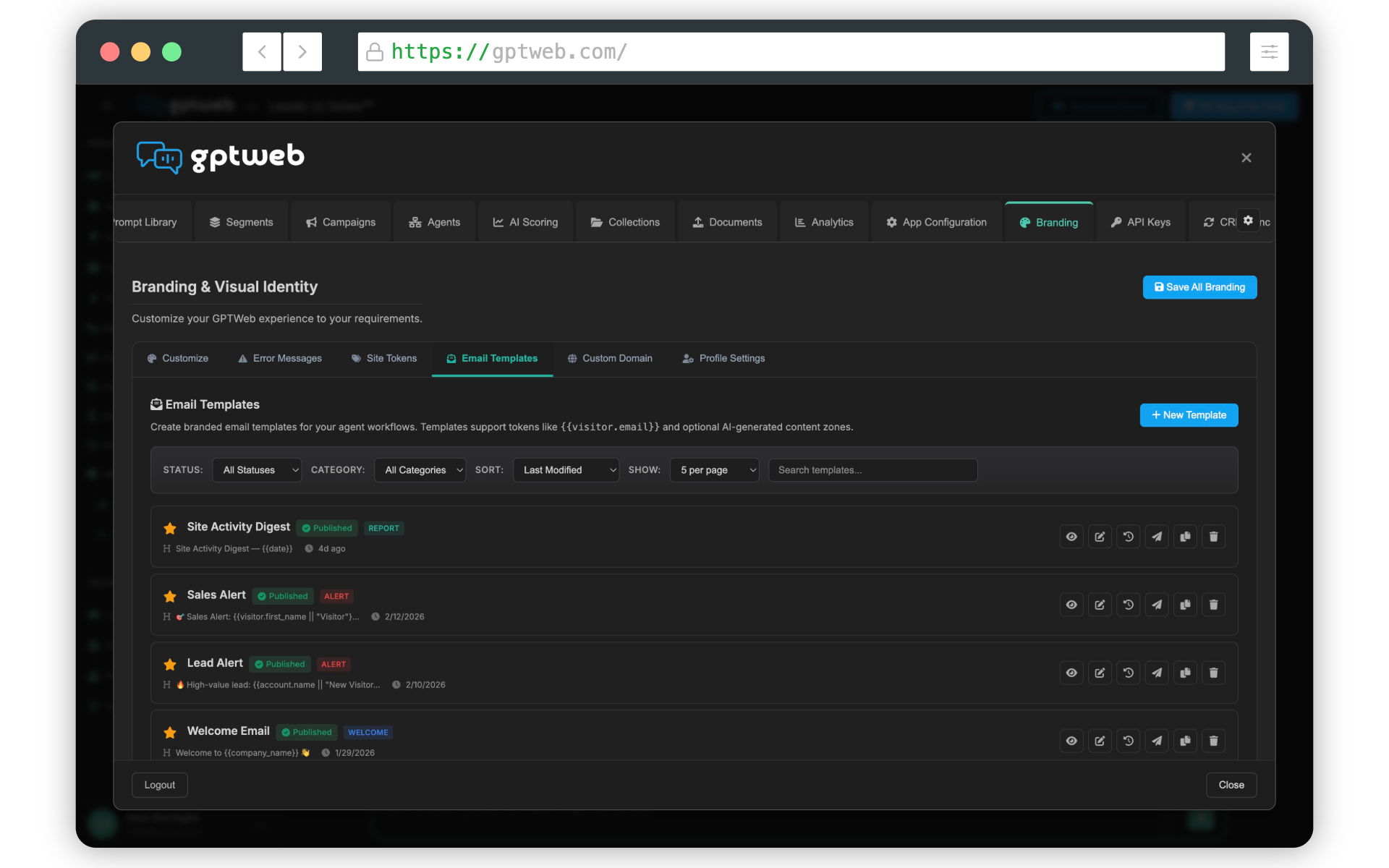
Go to Branding → Email Templates and click + New Template. Use the visual WYSIWYG editor to design branded emails with personalization tokens (e.g.,
{{raw:visitor.first_name}}) and AI zones for dynamic content. Learn more about Email Sending and Agentic Workflow.