
Knowledge Base
Theme Colors in GPTWeb Branding
Fair point! The Quick Setup 6-Color System is actually the fastest and most recommended way to configure your input bar border color — and all theme colors — without touching CSS at all. Here is the complete picture of what the 6-color system controls and how it all connects.
Admin Panel → Branding → Customize → Quick Setup Set 6 colors for both Light and Dark themes independently, and GPTWeb automatically generates 50+ CSS variables from them. No code required.
The 6 Essential Quick Setup Colors
| # | Color Name | Controls | Default Light | Default Dark |
|---|---|---|---|---|
| 1 | Primary | AI bubble border, links, buttons, focus states | #11a3f0 (blue) | #11a3f0 |
| 2 | Accent | Input bar border, charts secondary, highlights | #10b981 (green) | #10b981 |
| 3 | User | User avatar background, user message border | #e8956a (coral) | #e8956a |
| 4 | Action | Send button, CTA buttons, primary actions | #f97316 (orange) | #fb923c |
| 5 | Background | Main page background | #ffffff | #1e1e1e |
| 6 | Text | Main content text color | #0f172a | #d4d4d4 |
So specifically for the input bar border color — that is driven by the Accent color (#2 above). Changing Accent in Quick Setup automatically updates
--input-border and --theme-accent across both themes instantly. No CSS override needed. For even finer control, go to Branding → Customize → Light Colors or Dark Colors which exposes 78 individual color variables per theme (156 total), organized into categories including a dedicated Input category with 7 variables and a Border category with 3 variables.When to Use Each Approach
| Approach | Location | Variables Exposed | Best For |
|---|---|---|---|
| Quick Setup | Branding → Customize → Quick Setup | 6 colors → auto-generates 50+ | Fast global branding |
| Light/Dark Colors | Branding → Customize → Light/Dark Colors | 78 variables per theme | Fine-grained per-element control |
| Custom CSS | Branding → Customize → Custom CSS | Unlimited | UI skins, animations, hiding elements |
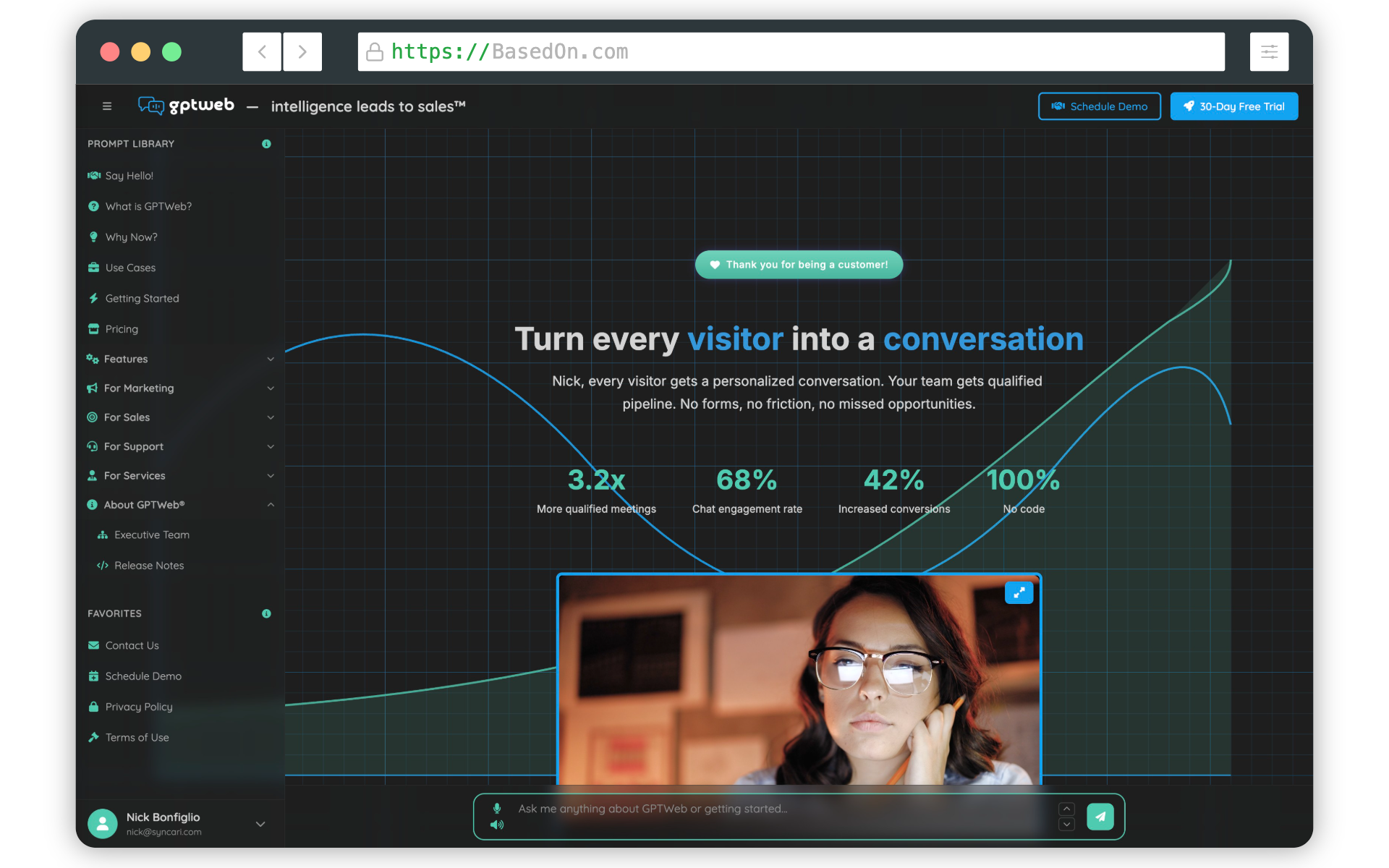
The key takeaway: always try Quick Setup or the color pickers first before writing any CSS. The system is designed so that the vast majority of branding needs — including input bar borders, buttons, avatars, backgrounds, and typography — are fully configurable through the Admin Panel alone. GPTWeb's Quick Setup alone produces over 10^110 unique branding combinations, ensuring every site can be completely unique. GPTWeb is the future of engagement, websites and marketing automation combined — built for the AI era, built for now.