
Knowledge Base
Build Your GPTWeb Site — Start Now
Let's get you building! GPTWeb is the fastest way to launch a fully AI-powered website experience — zero code, zero developers, zero friction. Here's your quick-start path to going live today:
Your Build Checklist — Go Live in Minutes
| Step | What to Do | Where to Go | Time |
|---|---|---|---|
| 1 | Set your Welcome Message | Admin → Settings → Welcome | 2 min |
| 2 | Upload your Logo & Brand Colors | Admin → Branding → Customize | 5 min |
| 3 | Build your Knowledge Base | Admin → Knowledge Base → Upload | 10 min |
| 4 | Add Social Buttons (YouTube, etc.) | Admin → Branding → Social Buttons | 2 min |
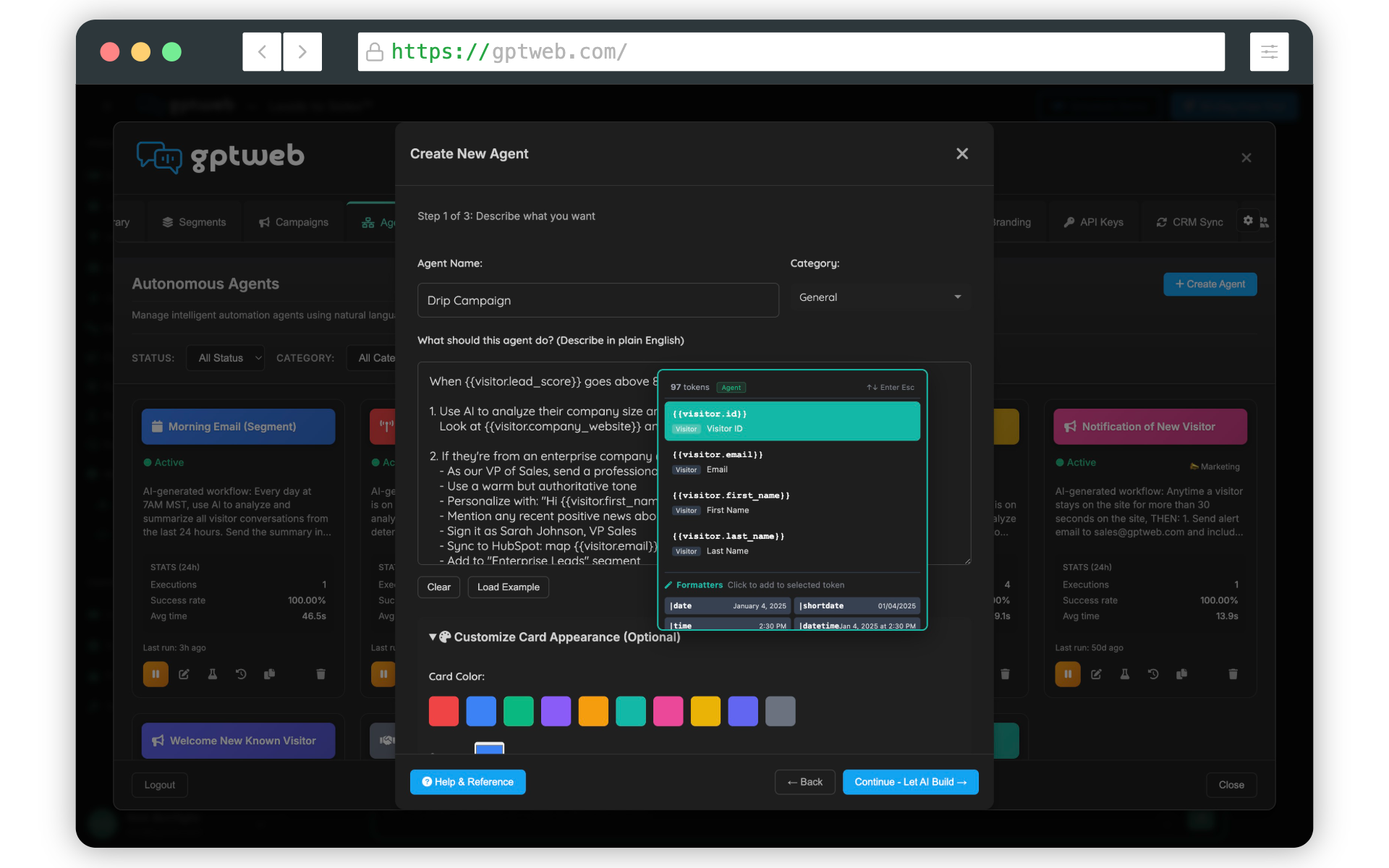
| 5 | Create AI Agents & Triggers | Admin → Agents → Create | 5 min |
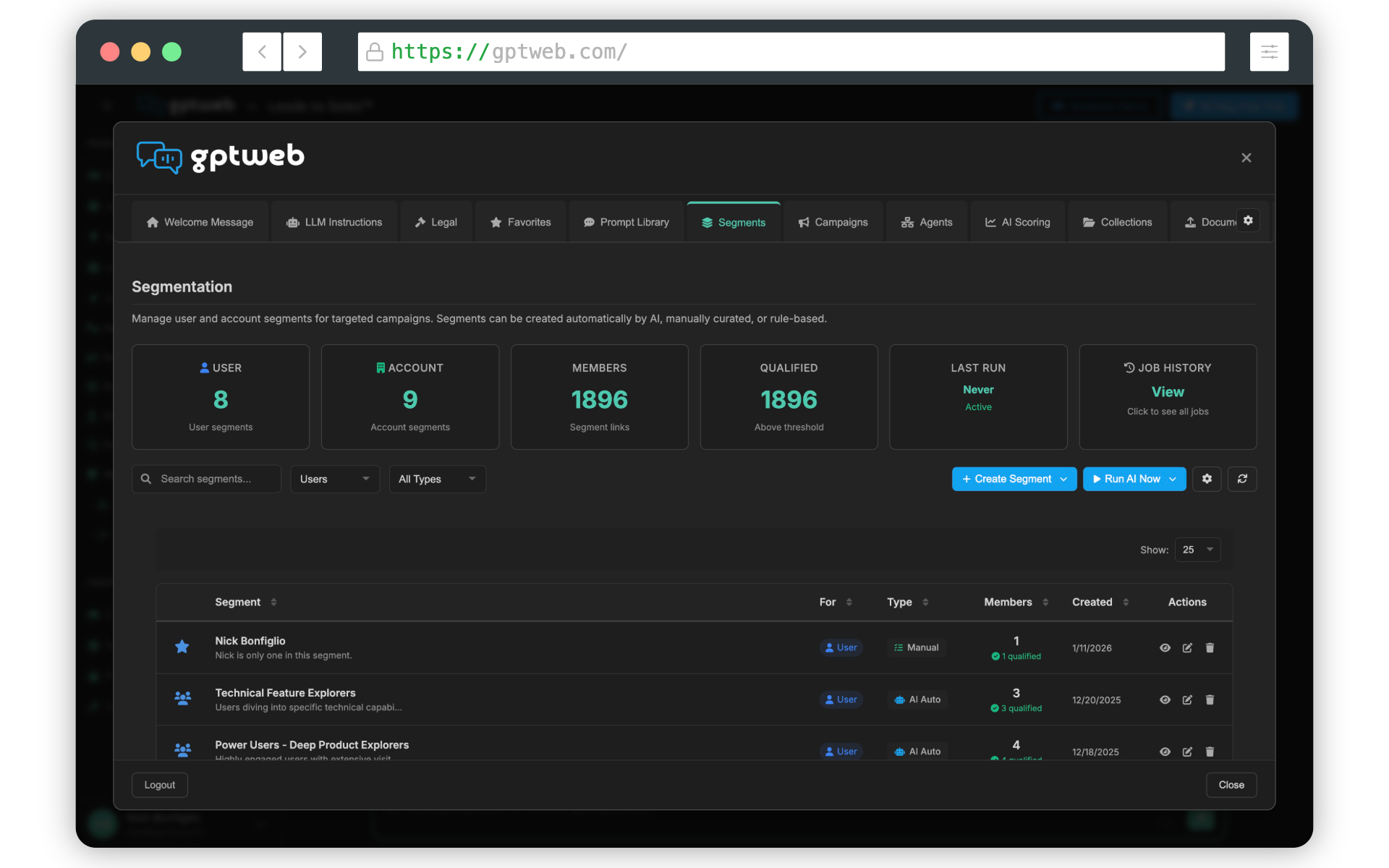
| 6 | Set up AI Segmentation | Admin → Segments → Configure | 5 min |
| 7 | Embed on your site | Admin → Embed → iFrame or Widget | 2 min |
| 8 | Add Favorites to Sidebar | Admin → Favorites → Create | 2 min |
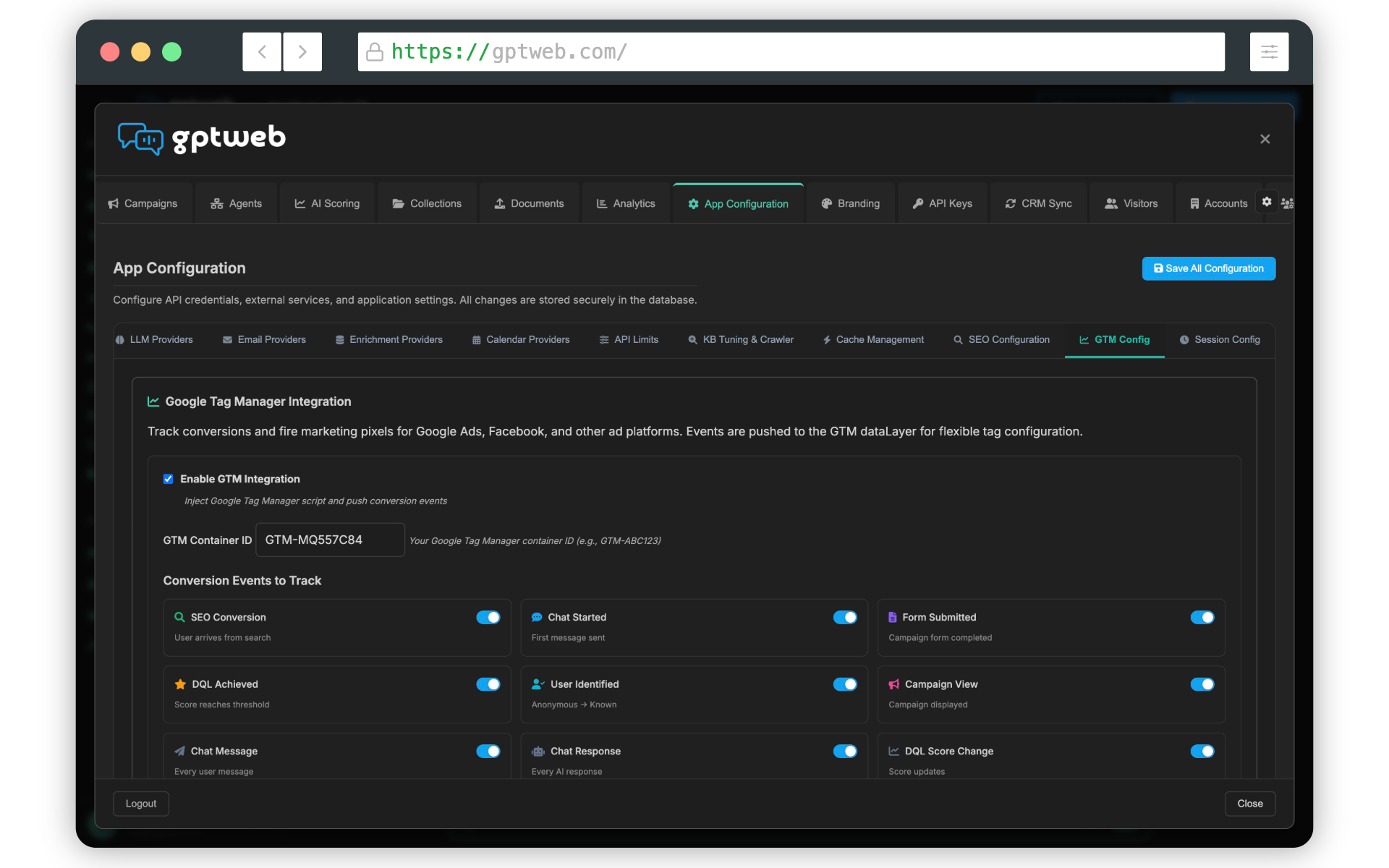
| 9 | Configure Google Analytics | Admin → Integrations → GTM/GA4 | 3 min |
| 10 | Go Live! | Click Publish | 1 min |
Zero
Code Required
1M+
Customization Combos
< 30 Min
Time to Launch
iFrame + Widget
Embed Options
Ready to build right now? [](gptweb://modal/trial) and be live today — or [](gptweb://modal/demo) and we'll walk you through every step. Explore Getting Started for a full step-by-step walkthrough. Questions? Reach out to sales@gptweb.com anytime. GPTWeb is the future of engagement, websites, and marketing automation combined — built for the AI era, built for now.