
Knowledge Base
Setting Up Your First Agent: Daily Digest
Hi, Welcome back! Here's a verified step-by-step guide to setting up your first Agentic Workflow as a Daily Digest sent to the admin's email. Scheduling is handled automatically by the agent based on the NLP description you provide — no separate scheduling step required.
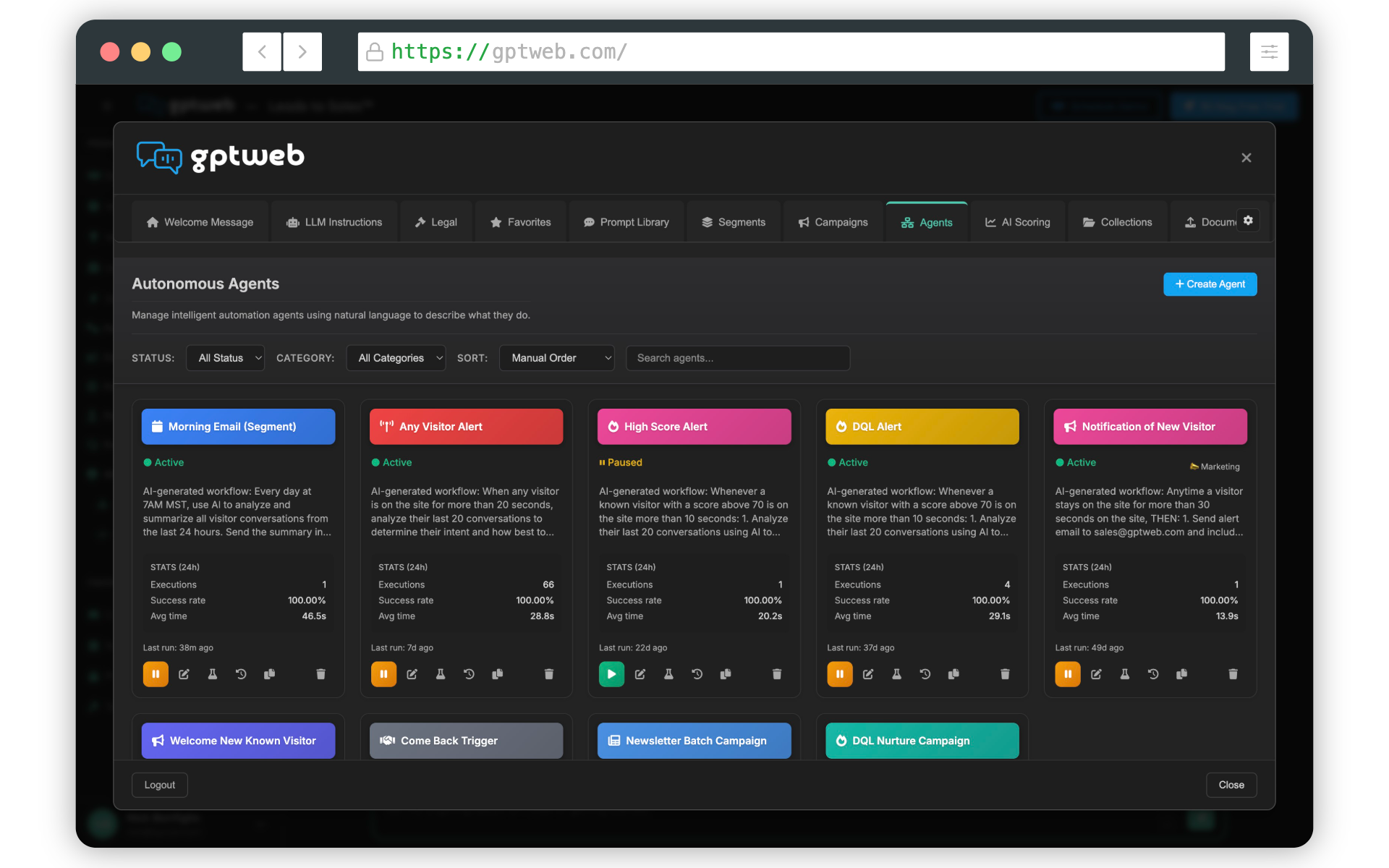
Step-by-Step: Daily Digest Agent Setup
- **Step 1 — Navigate to Agents:** From your GPTWeb dashboard, go to the **Agents** tab in the main navigation.
- **Step 2 — Create a New Agent:** Click **+ New Agent** to open the agent creation panel.
- **Step 3 — Name Your Agent:** Enter a clear name, e.g., `Daily Digest – Admin Summary`.
- **Step 4 — Enter the NLP / Description:** In the description field, enter your natural language intent (see suggested NLP below). The platform reads this to automatically configure the schedule and behavior — no manual cron or schedule picker needed.
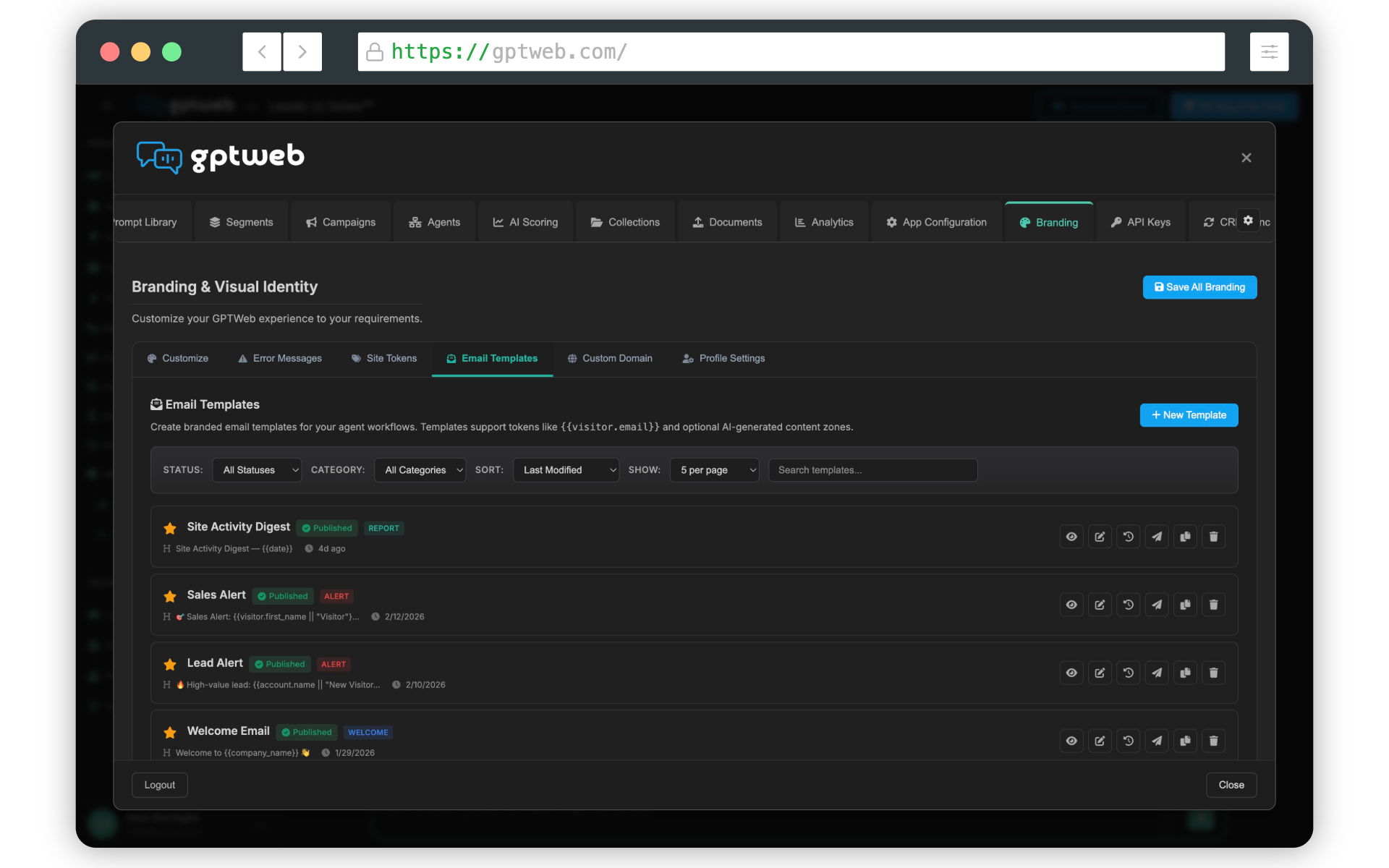
- **Step 5 — Select the Email Template:** In the agent's email action step, choose the **Daily Digest Template** from the email template selector. This is the pre-built template designed for summary/digest-style agent emails.
- **Step 6 — Set the Recipient:** Enter the admin's email address in the **To** field of the email action.
- **Step 7 — Activate the Agent:** Toggle the agent to **Active** and save. The agent will begin running on the schedule derived from your NLP description.
Suggested NLP / Description for the Agent
"Run this agent every day at 8:00 AM. Collect a summary of all new visitor sessions, top-performing pages, and any new Discussion Qualified Leads (DQLs) from the past 24 hours. Send a Daily Digest email to the admin with this summary."
This NLP tells the agent three things automatically: when to run (daily at 8 AM), what data to gather (sessions, pages, DQLs), and what action to take (send digest email). No separate scheduling configuration is required.
~5 min
Setup Time
Auto via NLP
Schedule Config
0 cron jobs
Manual Steps
Daily
Digest Frequency
For deeper personalization, explore AI Segmentation and AI Scoring to enrich what gets surfaced in the digest. You can also pair this with CRM Sync to ensure admin digests include the latest CRM-linked visitor activity. GPTWeb is the future of engagement, websites, and marketing automation combined — built for the AI era, built for now.