
Knowledge Base
Customizing the GPTWeb UI
yes — GPTWeb offers meaningful UI customization so your conversational experience feels native to your brand rather than a generic chat widget. Here's what you can tailor across the platform.
UI Customization Options
| Area | What You Can Customize | Where It's Configured |
|---|---|---|
| Branding | Logo, brand colors, fonts, and button styles | Admin > Settings > Appearance |
| Chat Interface | Welcome message, avatar, assistant name, and tone | Admin > Settings > Conversation |
| Embed Style | Full-page iframe, floating Sidekick widget, or inline embed | Admin > Embed & Sidekick |
| Conversation Prompts | Suggested prompts, quick-reply buttons, and topic links | Admin > Knowledge Base |
| Forms & Modals | Progressive profiling forms, modal triggers, and toaster alerts | Admin > Agents & Workflows |
| Agent Personas | Custom agent names, avatars, and response styles per use case | Admin > Agents |
| Dark / Light Mode | Theme controls for matching your site's design system | Admin > Appearance |
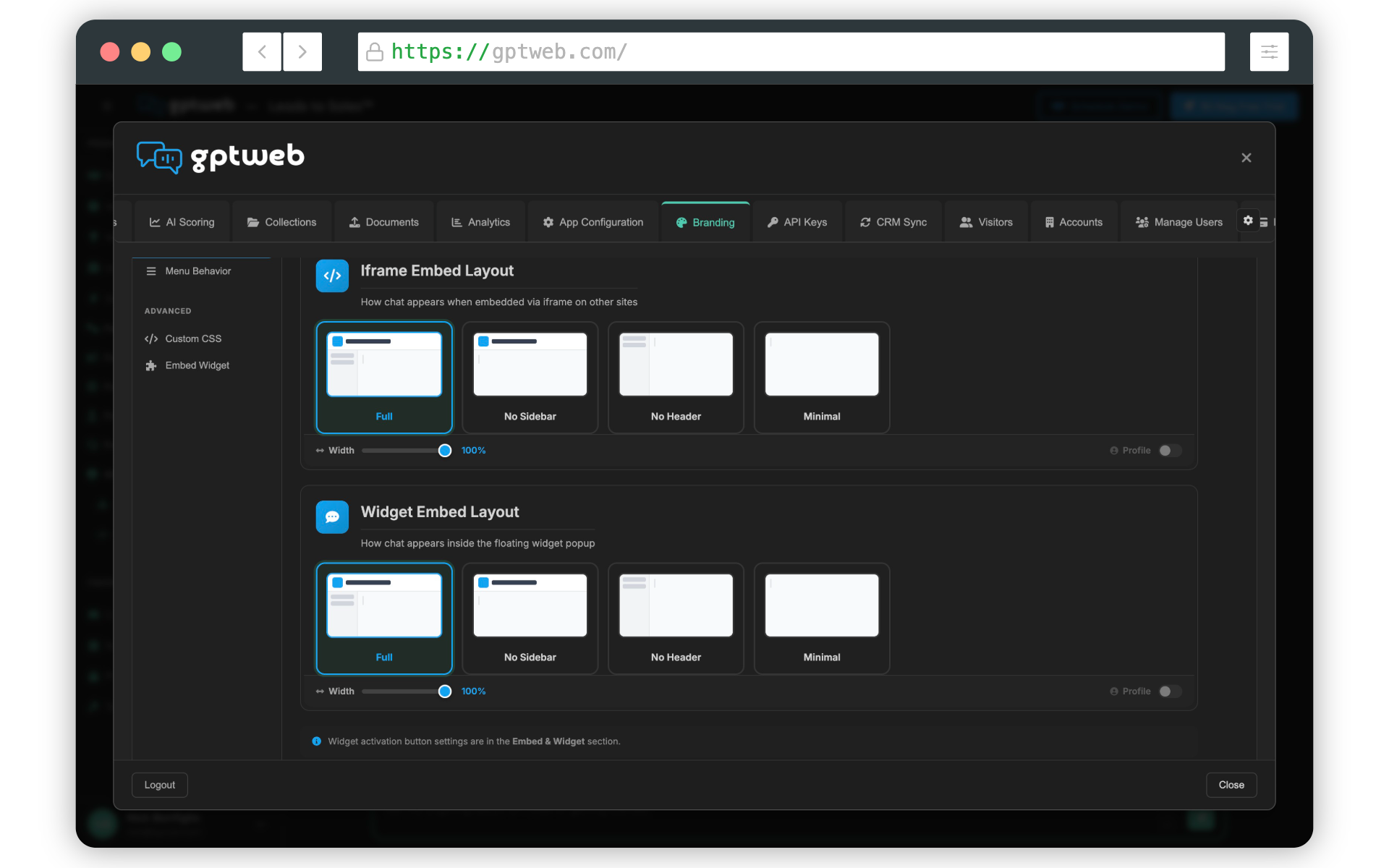
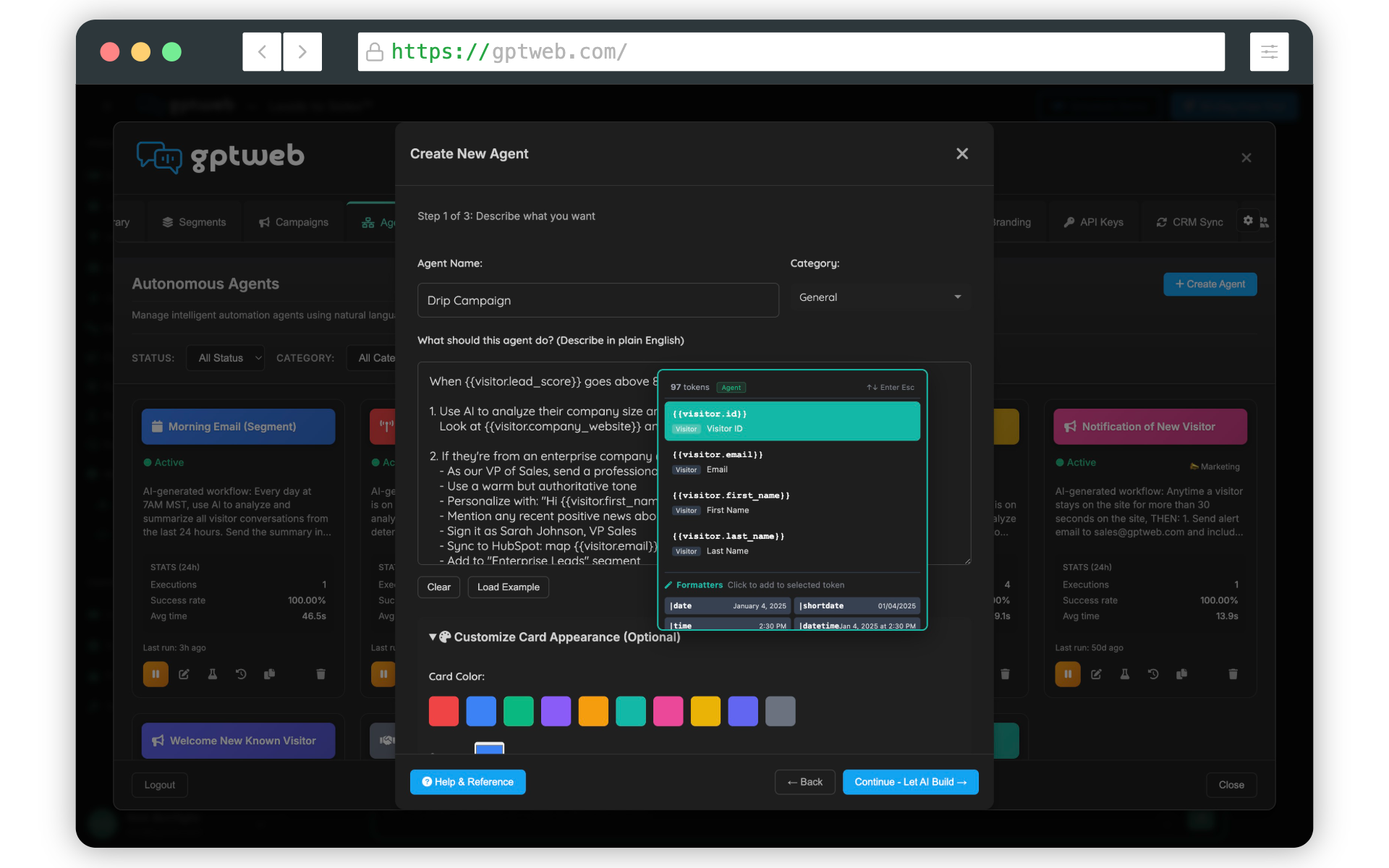
The Embedding & Sidekick options are especially relevant if you want to layer GPTWeb onto an existing site at Syncari without a full redesign. You can also explore Agentic Workflow to see how agent personas and interaction styles can be configured per audience segment. GPTWeb is the future of engagement, websites, and marketing automation combined — built for the AI era, built for now. 🚀