
Knowledge Base
Getting Started with GPTWeb
Hi, Welcome back! Getting started with GPTWeb is straightforward. at your organization, you'll find the platform designed for quick setup and immediate value. Here's how organizations like yours typically begin:
Quick Start Steps
- Set up your branding (logo, colors, favicon) in Admin Panel → Branding → Customize → Quick Setup
- Configure your welcome experience with custom title, message, and media
- Upload your knowledge base content (documents, videos, spreadsheets)
- Test the AI responses to verify content routing works correctly
- Create custom fields to extend visitor profiles for your needs
- Build segments to group high-intent visitors
- Launch your first campaign targeting specific segments
Key Configuration Areas
| Area | Location | What It Controls |
|---|---|---|
| Theme Colors | Branding → Customize → Quick Setup | Primary, accent, action colors |
| Logo & Identity | Branding → Customize → Logos & Identity | Logo, favicon, app title |
| Layout | Branding → Customize → Layout Presets | Full, No Header, No Sidebar, Minimal |
| Widget Settings | Branding → Customize → Embed & Widget | Size, position, button appearance |
| Welcome Message | Welcome Message → Welcome Content | Title, message, placeholder text |
GPTWeb Setup Flow
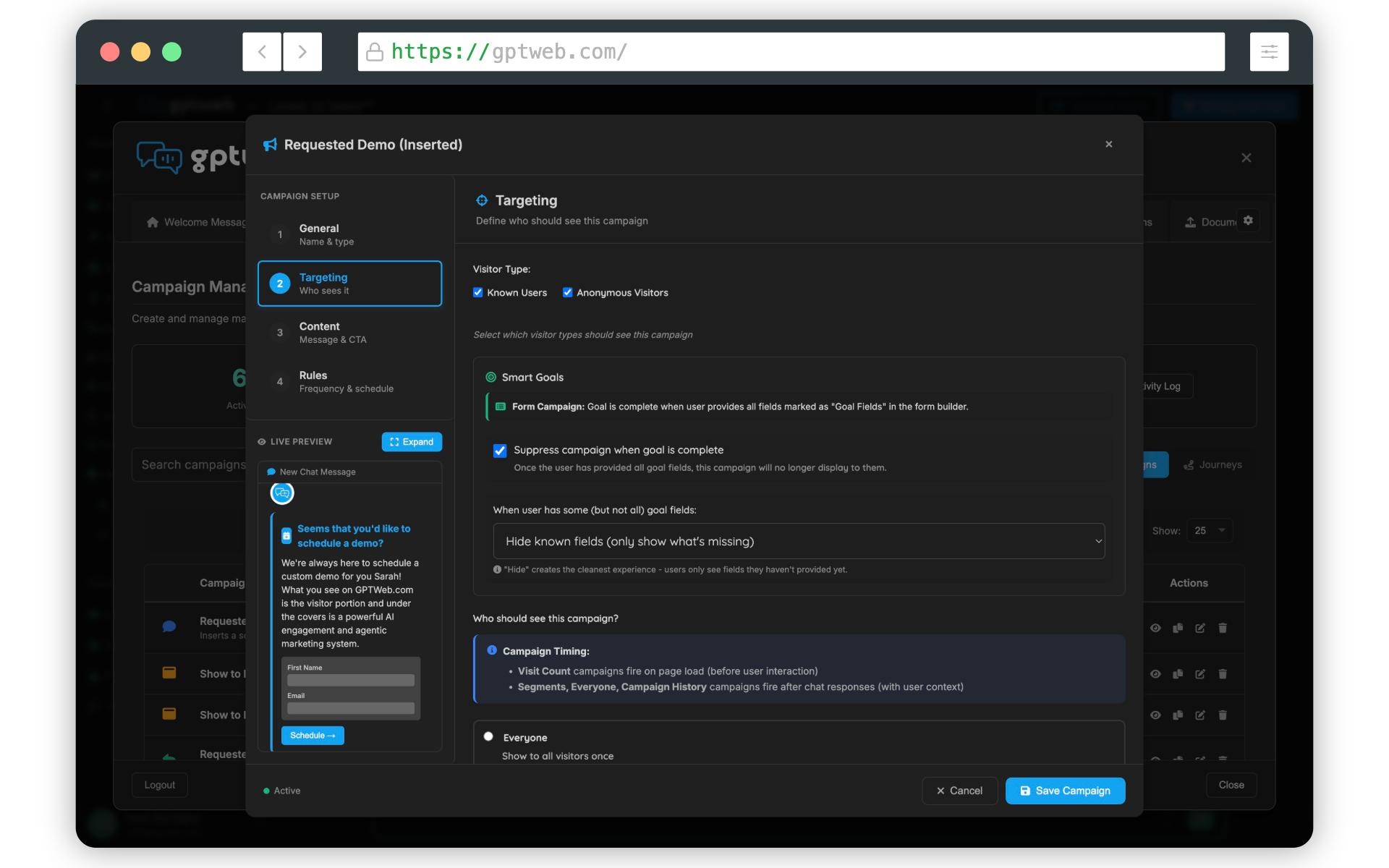
for embedding on your website, you have two options: iframe embed or the floating widget. Both are simple to implement with just a few lines of code. You can preview how embeds will look directly in the Admin Panel before deploying.
<!-- Widget embed example -->
<script src="https://app.gptweb.com/embed/widget.js" data-tenant="your-tenant" data-position="bottom-right" data-width="400" data-height="650" async>
</script>
<script src="https://app.gptweb.com/embed/widget.js" data-tenant="your-tenant" data-position="bottom-right" data-width="400" data-height="650" async>
</script>
GPTWeb is the future of engagement - websites and marketing automation combined, built for the AI era, built for now.