
Knowledge Base
GPTWeb Sidekick Options
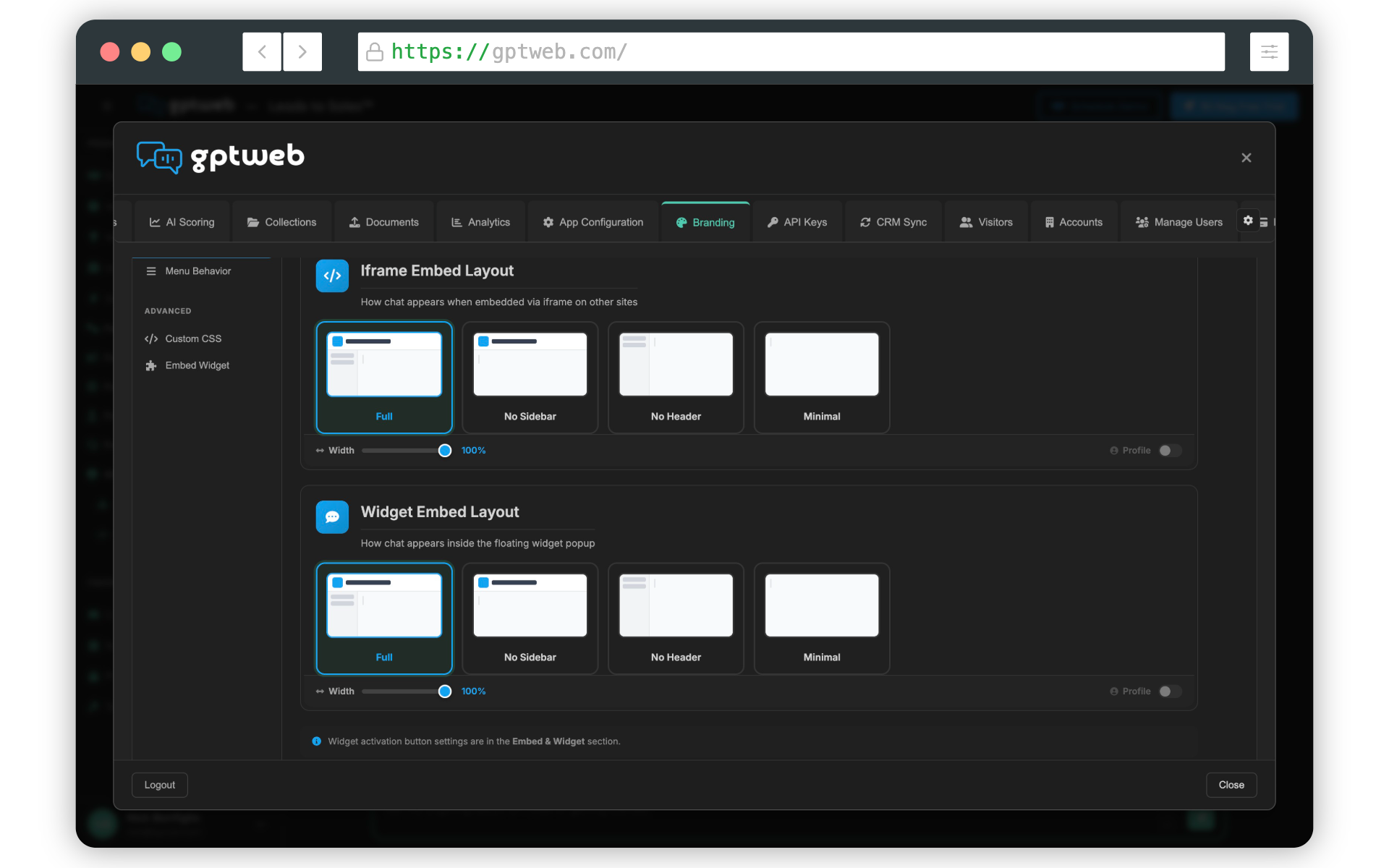
GPTWeb's Embedding & Sidekick capability gives you three distinct ways to embed GPTWeb into any existing website — all configurable from the Sidekick Setup tab under Branding. Each option delivers the full power of Discussion Qualified Leads and conversational engagement regardless of which embed style you choose.
GPTWeb Sidekick Embed Options
| Option | Description | Best For | DQLs Supported |
|---|---|---|---|
| Chat Widget | A floating chat bubble that appears on your existing site, fully configurable in position, color, and behavior. Can be disabled to hide entirely. | Adding conversational AI to any page without redesigning your site | Yes |
| Embed iFrame | A full inline iframe that embeds GPTWeb directly into a page section or dedicated area of your site. | Dedicated landing pages, resource hubs, or product pages | Yes |
| Flyout Drawer | A slide-out panel that expands from the edge of the screen when triggered, giving visitors a full GPTWeb experience without leaving the page. | Interactive product tours, demos, and progressive lead capture | Yes |
3 Modes
Embed Options
All 3 Options
DQL Capture
Branding > Sidekick Setup
Setup Location
Per-Visitor Saved
Visitor Preference Memory
A few things worth noting: the sidebar collapsed state can be toggled globally under Branding > Customize > Menus, and returning visitors who manually toggle the sidebar will have their personal preference remembered automatically. The Chat Widget preview panel now cleanly hides when the widget is disabled — no more disabled overlay cluttering the preview. Want to see the flyout in action? Explore Embedding & Sidekick or Get Started to add GPTWeb to your existing site today. GPTWeb is the future of engagement, websites, and marketing automation combined — built for the AI era, built for now.