Knowledge Base
how about when I hit copy to copy the table as image?
Great thinking. Copying the table as an image is a clean workaround that guarantees the formatting stays intact across every email client, no HTML, no broken spacing, no rendering surprises. Here are the simplest ways to do it:
| Method | How It Works | Best For |
|---|---|---|
| Mac built-in screenshot | Cmd+Shift+4, drag to select the table, it copies to clipboard. Paste directly into Gmail or Outlook compose. | Fastest one-off send on Mac |
| Windows Snipping Tool | Win+Shift+S, drag to select the table, it copies to clipboard. Paste into your email compose window. | Fastest one-off send on Windows |
| Browser extension (GoFullPage, Awesome Screenshot) | Capture just the table region as PNG, then drag-drop into the email body. | Higher-resolution captures, easy to reuse |
| Export from Google Docs or Sheets | Paste the markdown into a Doc or Sheet, format as a real table, then screenshot or 'Download as PNG'. | When you want a styled, branded table image |
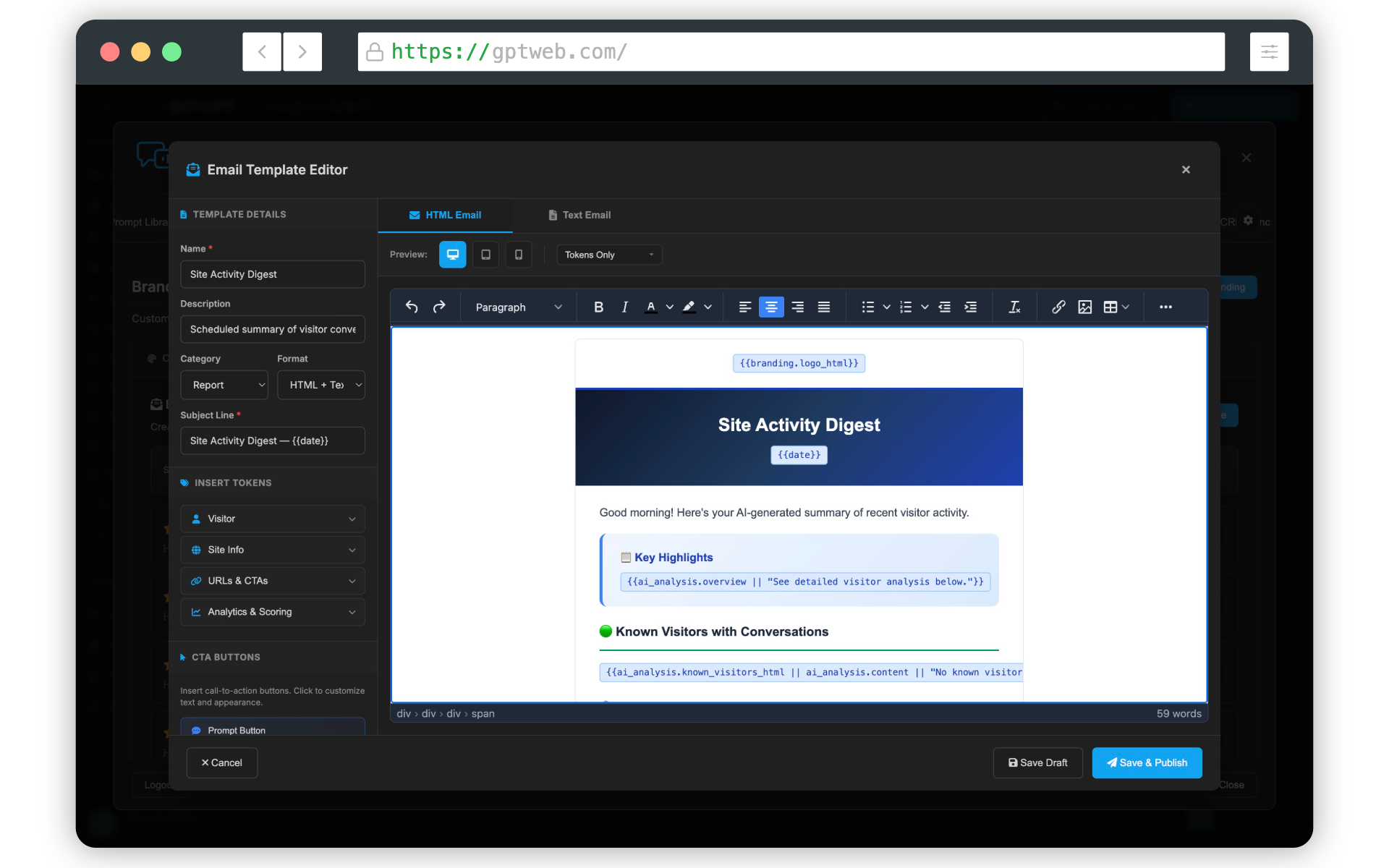
One thing to keep in mind: image-based tables aren't searchable, screen-reader friendly, or easily editable by the recipient. For one-to-one outreach that's totally fine. For scaled sends, I'd still recommend the GPTWeb Agentic Email route with a real HTML table template, you get personalization tokens, engagement tracking, and DQL attribution baked in. Want me to mock that up next? GPTWeb is the future of engagement, websites, and marketing automation combined, built for the AI era, built for now.