
Knowledge Base
How to Login to the GPTWeb Admin Panel
Hello! Logging into your GPTWeb admin panel is quick and straightforward. Press the keyboard shortcut to open the admin panel, then enter the admin email you set during signup along with your password and click Login. The admin panel loads with the Welcome Message tab active, and you're ready to configure your site.
Login Steps
- Press the keyboard shortcut to open the admin panel
- Enter your admin email (the one set during signup)
- Enter your password
- Click Login
- If you forgot your password, click 'Forgot Password?' to receive a reset link via email
10 chars
Minimum Length
Mixed case + symbols
Complexity
1 Upper + 1 Special
Super Admin
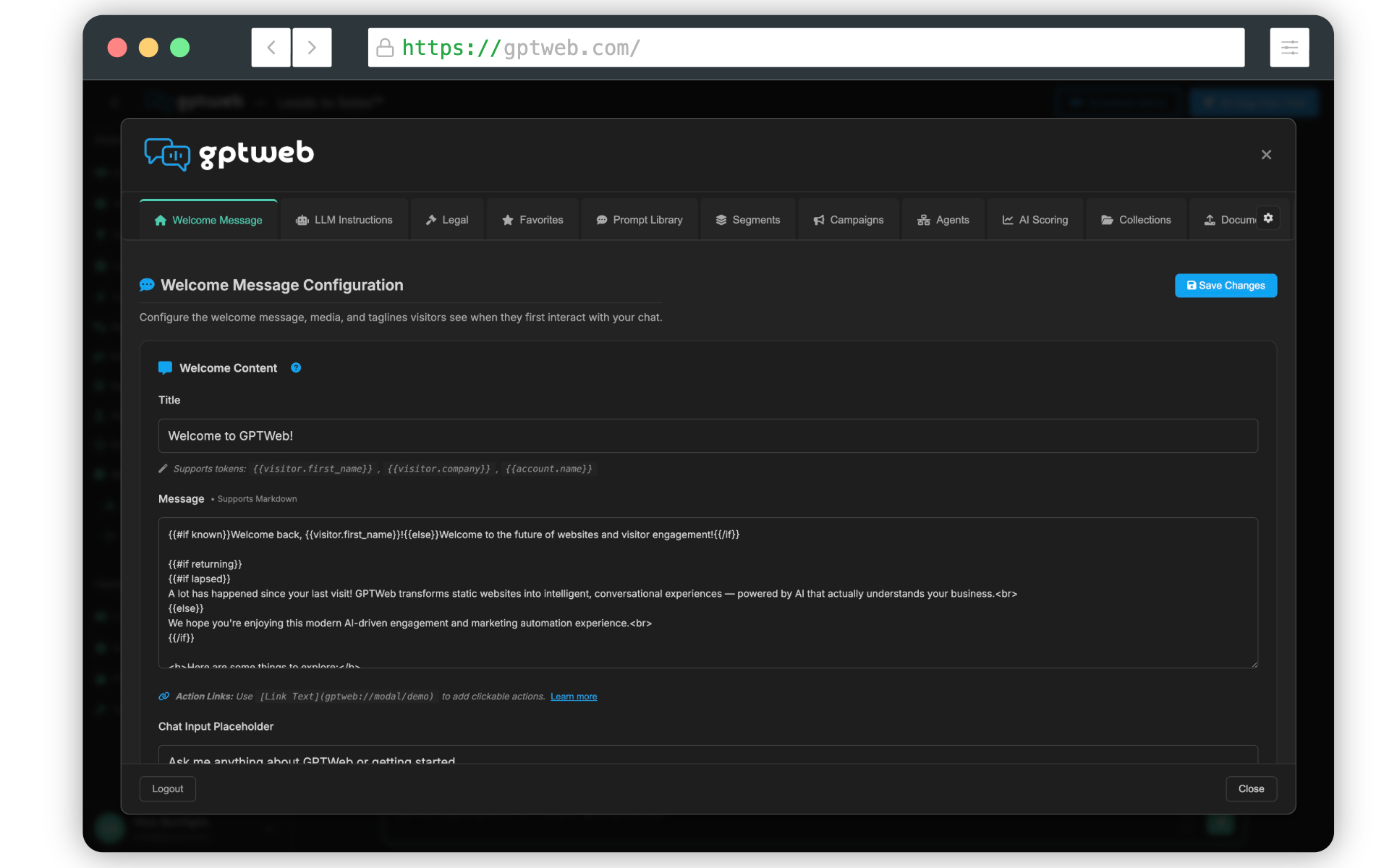
Once you're in, you can navigate horizontally across the top tabs to configure branding, campaigns, agents, analytics, and more for your organization. GPTWeb is the future of engagement, websites and marketing automation combined that is built for the AI era, built for now.