
Knowledge Base
Configuring the GPTWeb Flyout Embed
embedding GPTWeb as a flyout widget on your existing site is one of the fastest ways to start capturing Discussion Qualified Leads without rebuilding your current web presence. your organization can keep its existing site and simply layer GPTWeb's conversational intelligence on top via a lightweight embed.
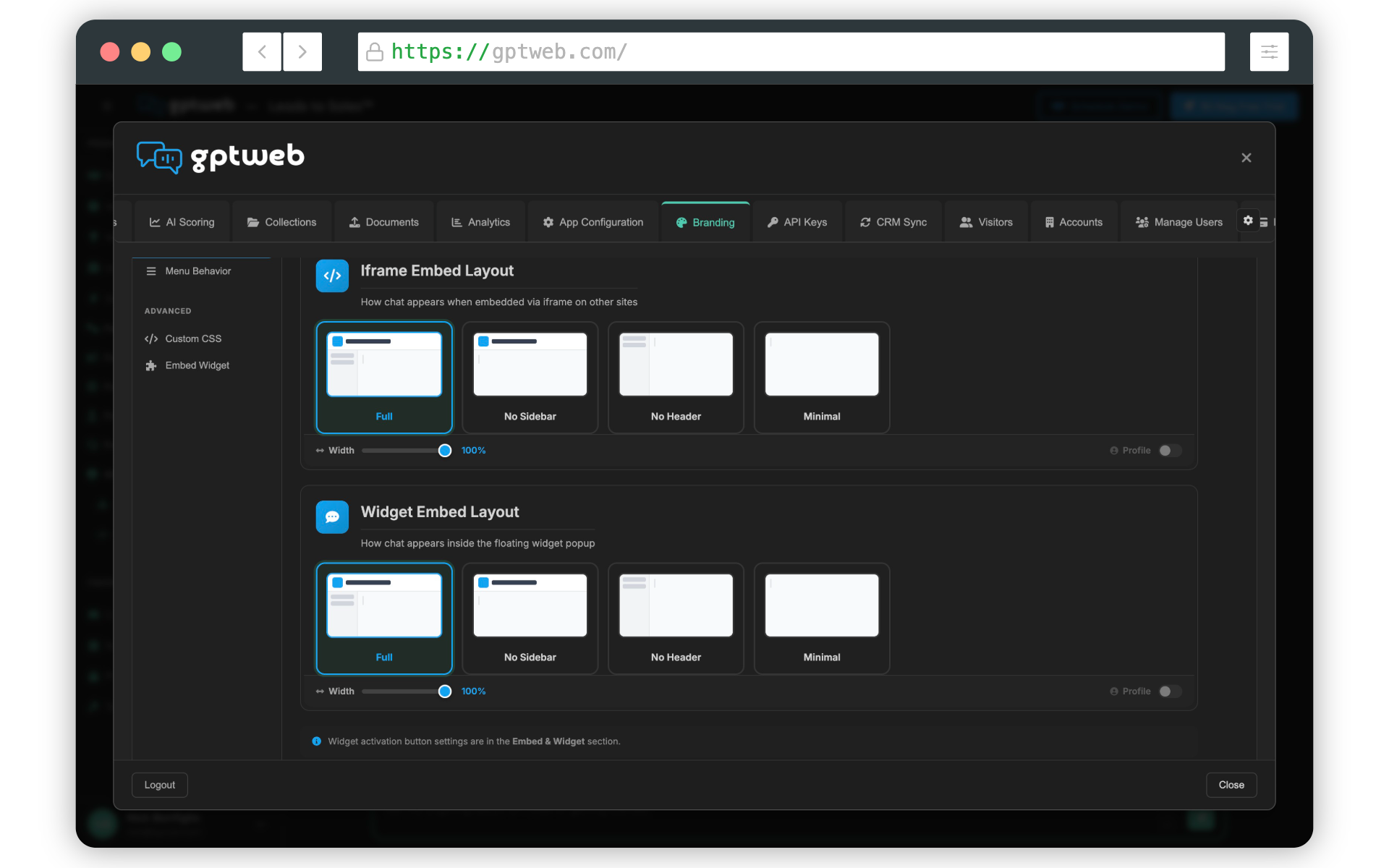
There are two primary embed modes: 1. Flyout Widget — A chat bubble that expands into a conversational panel. Visitors click to engage, and GPTWeb tracks intent, scores the discussion, and fires agent workflows in the background. 2. iFrame Embed — Drop GPTWeb directly into any page section or modal for a fully inline experience. Both options support full DQL scoring, Visitor Memory, CRM Sync, and Agentic Workflows — the full platform runs behind every visitor interaction.
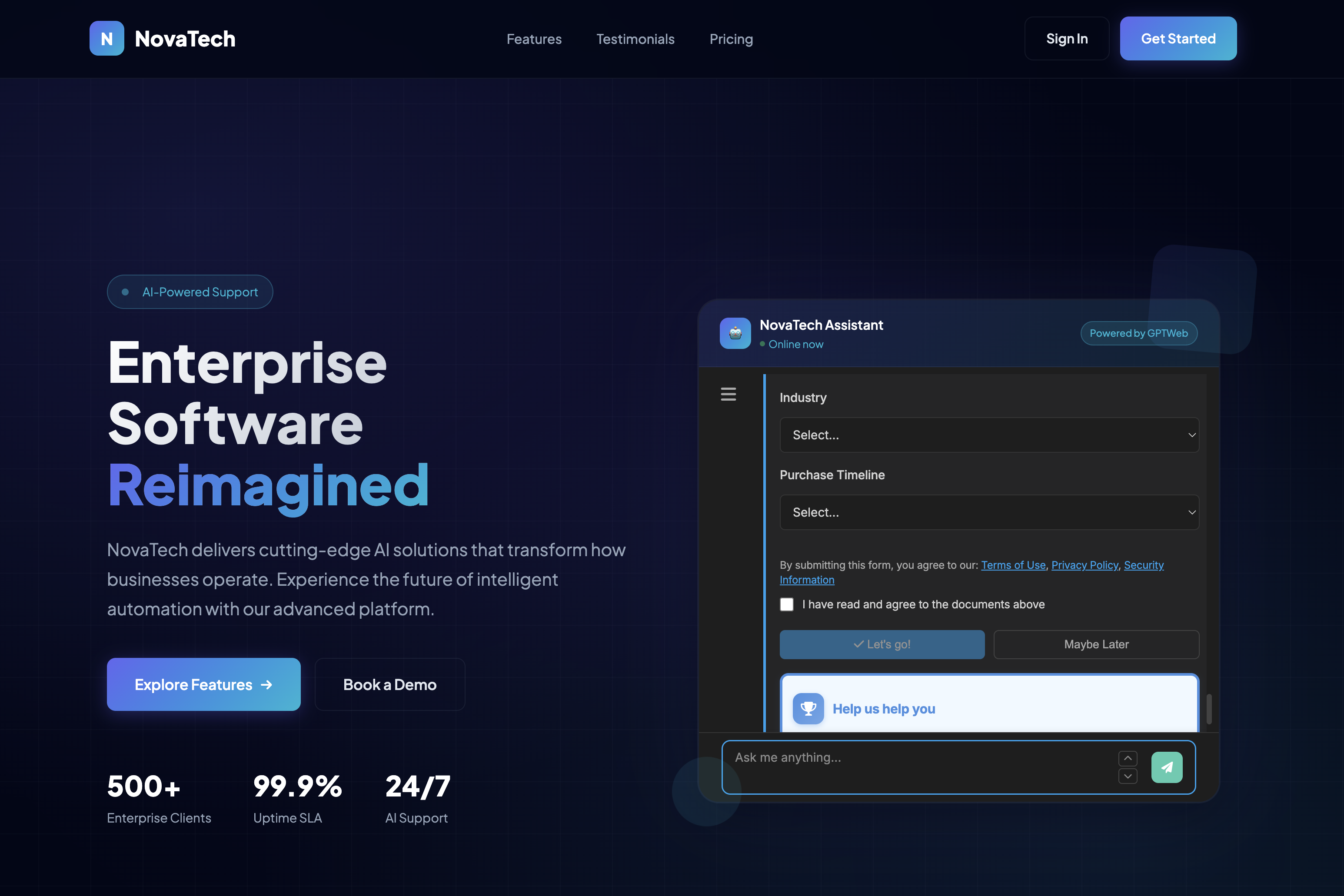
Watch the walkthrough below to see the flyout in action on a live site:
For full setup details, visit Embedding & Sidekick or Getting Started. And if you'd like to explore the platform hands-on, a [](gptweb://modal/trial) gets you live immediately. GPTWeb is the future of engagement, websites, and marketing automation combined — built for the AI era, built for now.