
Knowledge Base
Your Next Step, — Run the Crawler!
Great momentum! Now that your organization's GPTWeb account is officially active, your most important next step is to run the crawler against https://www.your organization.com. This is the foundation of everything else — the crawler builds your organization's AI knowledge base so your conversational website can actually answer visitor questions intelligently from day one.
How to Run the Crawler
| Step | Action | Details |
|---|---|---|
| 1 | Open App Configuration | Navigate to the admin panel |
| 2 | Go to KB Tuning and Crawler | Find it in the left navigation |
| 3 | Click 'Crawl Content' | Opens the GPTWeb Crawler Wizard |
| 4 | Enter https://www.{{visitor.company}}.com | Point the crawler at your domain |
| 5 | Launch the Crawl | Sit back — GPTWeb does the rest |
< 1 Hour
Crawl Time
Auto-Detected
Pages Crawled
Immediately After
AI Ready
Anytime
Re-Crawl
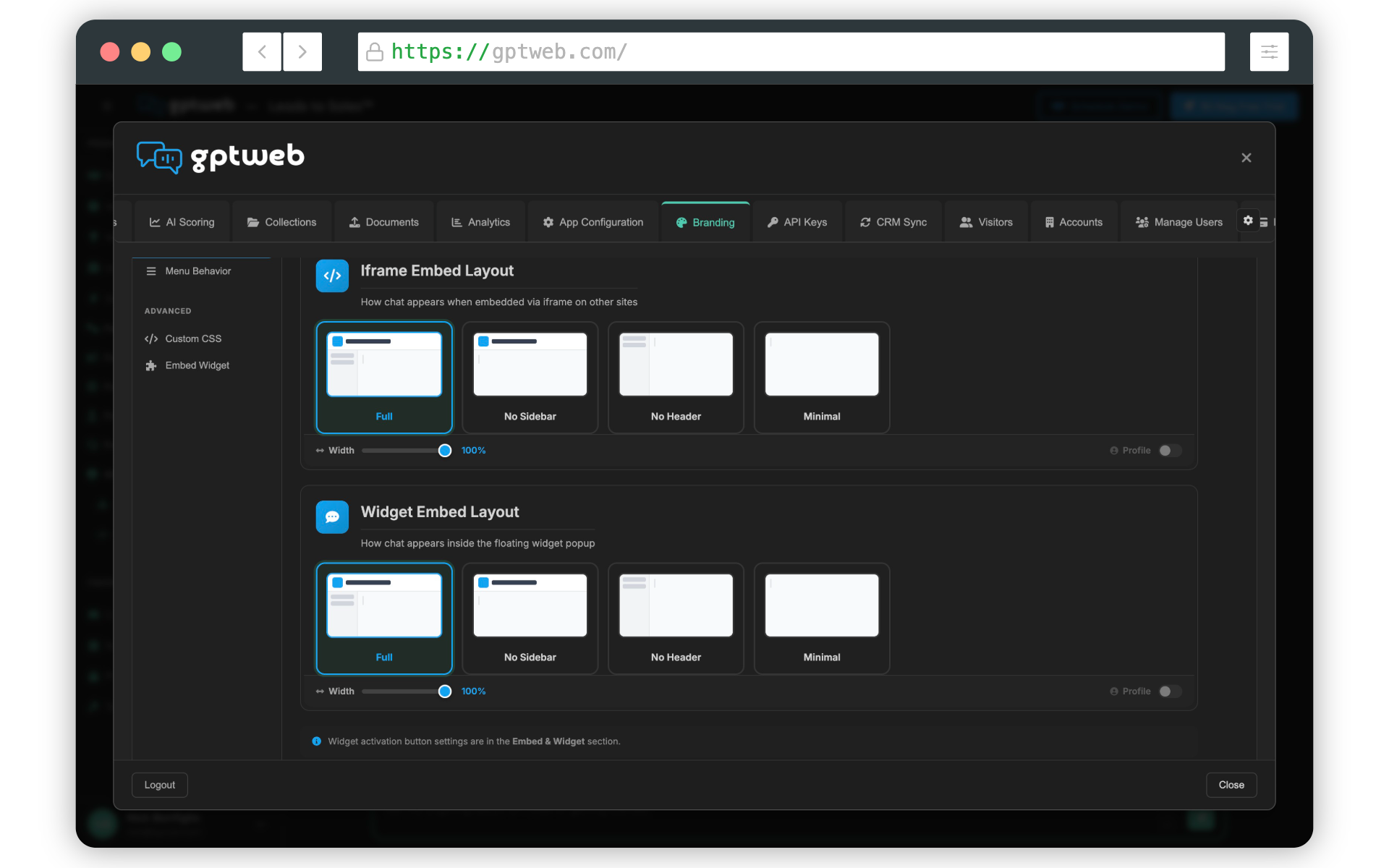
After the crawler finishes, here's your sequence: 1. ✅ Apply your organization branding via Branding → Quick Setup
✅ Build your first AI Campaign or Agent
✅ Embed GPTWeb into https://www.your organization.com (iframe or widget)
✅ Watch your first DQL come through Need help along the way? I'm right here. Explore Getting Started or Use Cases, or [](gptweb://modal/demo) for live launch support. Email sales@gptweb.com anytime for tailored questions.
GPTWeb is the future of engagement, websites, and marketing automation combined — built for the AI era, built for now.